
Home / Catalog
Every file, in a table you can sort.
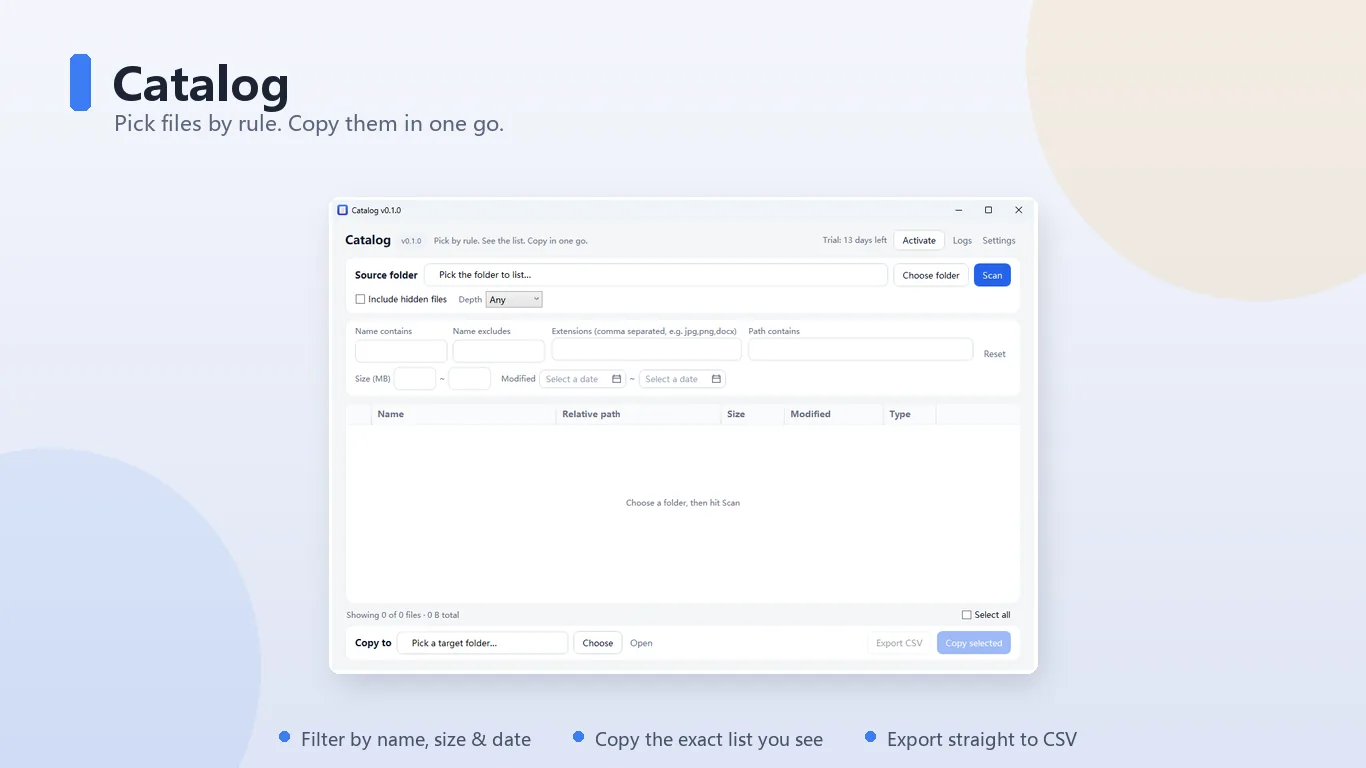
Catalog walks a folder and produces a real table: name, folder, size, modified date. Filter it as you type, ticket the files you want, then copy them somewhere new or export the listing to CSV. It reads; it never deletes or moves.
What you get out of it
A listing you can actually read
Name, full path, size and last-modified date for every file under a folder, at any depth. Sorted by any column, with folders collapsed by default so the list stays useful.
Filter as you type
Type part of a name or an extension and the table narrows immediately, with a live count and total size of what is currently visible.
Copy only what you tick
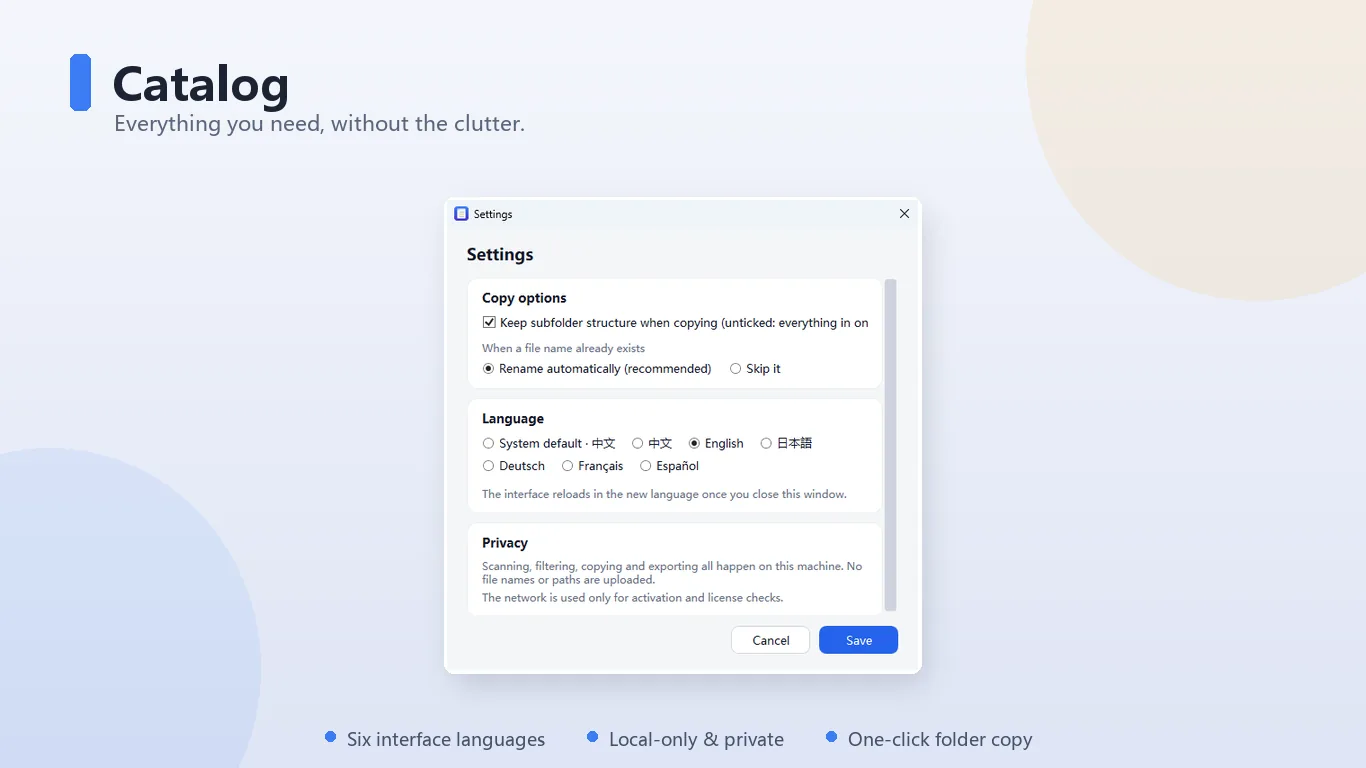
Tick files and copy them to a destination folder, preserving their relative paths. The source is never modified — this is a copy operation, not a move.
Export to CSV
The whole table or just the filtered view, with paths and sizes intact, ready for Excel. Useful when someone asks what is actually on a drive.
A scan, start to finish
-
1
Choose a folder
Pick any local path, a mapped drive, or a mounted network share. Subfolders are included; the depth is unlimited.
-
2
Narrow it down
Filter by name, extension or size range. The footer always shows how many files and how much data you are looking at.
-
3
Export or copy
Send the listing to CSV, or tick the files you need and copy them out to a new folder with their structure preserved.
Where it fits, and where it does not
It is a good fit for
- Handing over a project folder and needing a written inventory of what is inside
- Finding the 40 files worth keeping out of 20 000 before an archive
- Producing a CSV of a drive for someone who will only look at a spreadsheet
- Copying a filtered subset — say, every PDF from last quarter — into a new folder
It is not the right tool for
- Deleting, moving or renaming anything; every write is a copy
- Comparing two folder trees — that is what Mirvelle does
- Full-text search inside documents; it indexes names and metadata, not content
- Cloud drives that are not mounted as a local path
Specifications
- System
- Windows 10, 11 — 64-bit
- Runtime
- Self-contained; .NET runtime is bundled
- Install size
- About 5 MB
- Privileges
- Normal user; read access to the scanned folder is enough
- Network
- Licence check only. File names and paths are never uploaded.
One licence, one computer
Seven days free with every feature unlocked, then a single payment unlocks it permanently. Move it to a new machine whenever you replace one.
The installer is not code-signed yet, so Windows SmartScreen may ask for confirmation: click More info, then Run anyway.
Launch price. It goes up to $25.99 after the launch period — buy now to keep this price for life.
Buy now — one-time DownloadBefore you buy
How large a folder can it handle?
Scans of several hundred thousand files complete in under a minute on a local SSD. The table is virtualised, so scrolling stays smooth regardless of row count.
Does it touch file contents?
No. It reads names, sizes and timestamps. It never opens a file to read it, and never writes to the scanned folder.
Can I export only part of the list?
Yes. Export what is currently visible after filtering, or clear the filter to export everything.
What happens if a file is locked?
The listing is unaffected — metadata is read without opening the file. A copy of a locked file is reported as failed in the summary and the rest of the run continues.
See what is actually in that folder
The trial is the full product for seven days. No card, no email, nothing to cancel.
Download — free 7-day trial